Discovery · Interaction Design · Usability Testing
GraphIQ – Workflow Persistence
Redesigning how engineering teams save, edit, and reuse IoT graph configurations
TL;DR
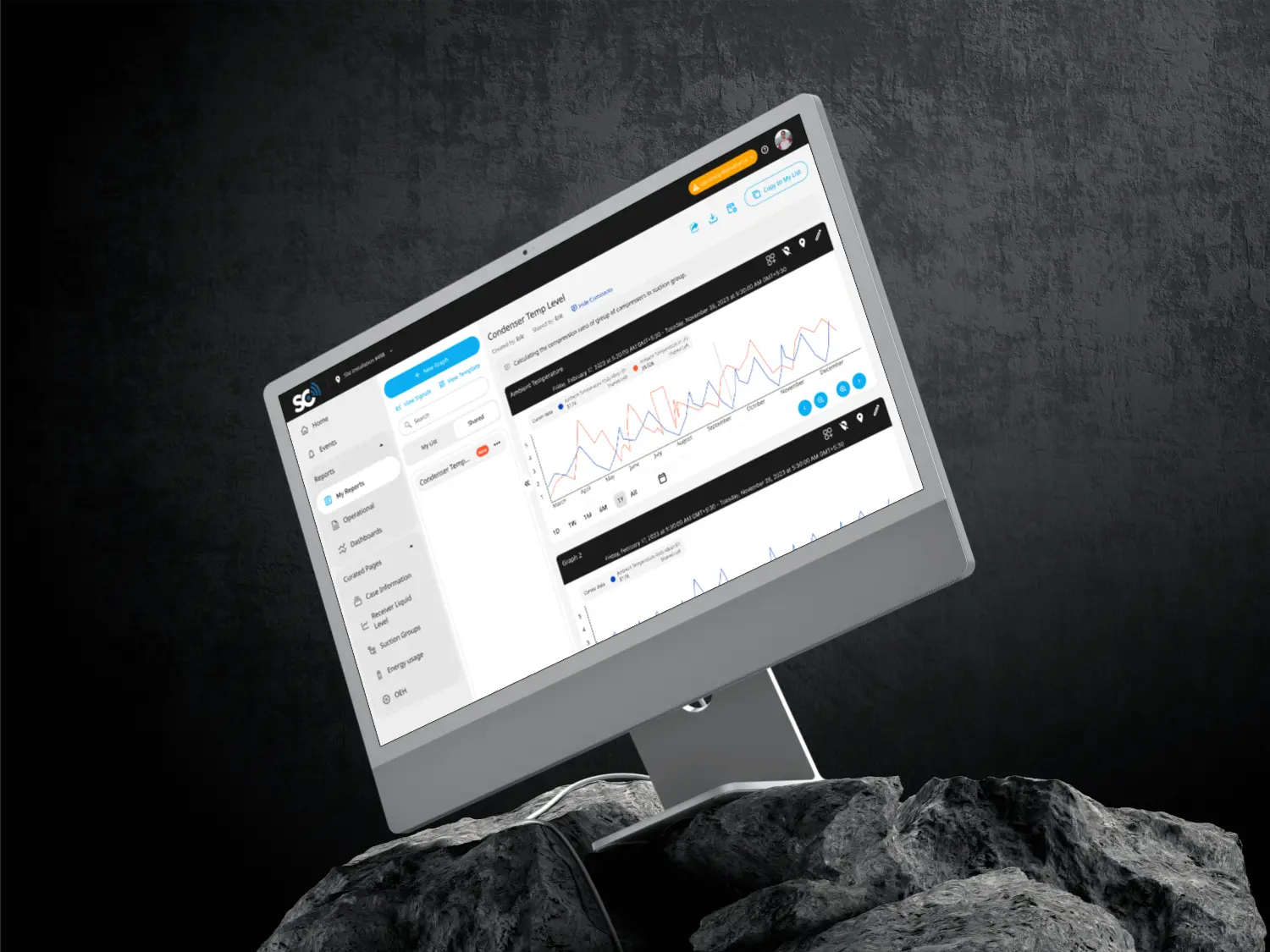
Engineers were rebuilding IoT graph configurations from scratch because the system treated every session as disposable. I introduced persistent save, structured organization, and contextual sharing — eliminating rebuild friction and preserving analytical context.
The Friction
Engineers building IoT sensor visualizations faced a hidden tax: every configuration lived as a browser bookmark. Editing meant reconstructing the entire query. Configurations that took 30 minutes to build were recreated repeatedly.
Discovery Approach
Interviewed 5 engineers across data, product, and support teams. Identified patterns: recreating graphs from scratch (4/5 users), lost configs after browser clear (3/5 users), sharing via raw URLs (5/5 users).
The Solution
Unified save & edit modal with optional folder grouping and shareable collections. Auto-save drafts with explicit publish. Context-aware links instead of naked URLs.
Workflow steps reduction
Discovery Approach
Interviewed 5 engineers across data, product, and support teams to understand how they built and reused graph configurations.
| Pattern | Frequency | Impact |
|---|---|---|
| Recreating graphs from scratch | 4/5 users | 30+ min lost per instance |
| Lost configs after browser clear | 3/5 users | No recovery path |
| Sharing via raw URLs | 5/5 users | Context lost for recipients |
"I've rebuilt the same graph setup at least 15 times this quarter." — Senior Data Engineer
The problem wasn't a missing "Save" button. The system had no concept of persistent analytical work.
Jobs To Be Done
Understanding what users were hiring the old workflow to do—and why they tolerated it.
"When I'm analyzing IoT sensor data, I want to preserve my graph configuration so I can return to it without rebuilding from memory."
The Trigger
Engineers tolerated bookmarks for years—until browser cache cleared and erased months of saved configurations. That moment of loss created openness to change.
What the Solution Had to Deliver
| Requirement | Why It Mattered |
|---|---|
| Persist without browser dependency | Bookmarks failed on device switch or cache clear |
| Edit without full rebuild | Adjusting one parameter shouldn't restart the workflow |
| Share with context intact | Recipients needed to understand the configuration, not decode a URL |
Adoption Barriers We Mitigated
| Risk | Mitigation |
|---|---|
| Too many steps to save | Inline modal—one click from graph view |
| Forced folder structure | Folders optional, flat list default |
| Unclear save state | Auto-save indicator + explicit publish |
Design Tensions
Inline Edit vs Dedicated Mode
Flat List vs Folder Hierarchy
Auto-save vs Explicit Save
Individual vs Collection Sharing
Strategic Summary
Design Exploration
Before converging on the final solution, I explored several directions to validate trade-offs and iterate on core interactions. These were exploratory directions—not final designs—that helped clarify what would scale for diverse users.
Signal Selection Interface
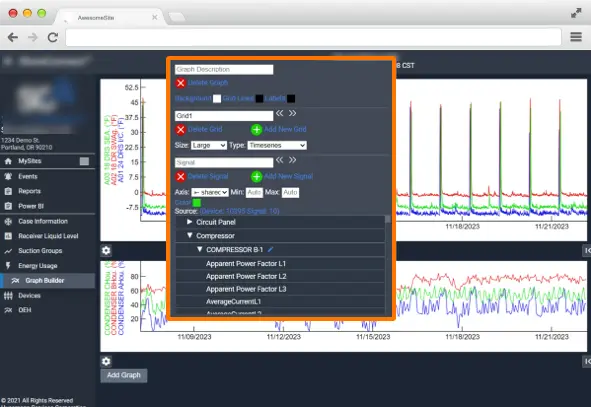
Explored how users could select and group sensor signals before saving—balancing density with scannability for power users building multi-signal graphs.
Bookmarking & Saving Settings
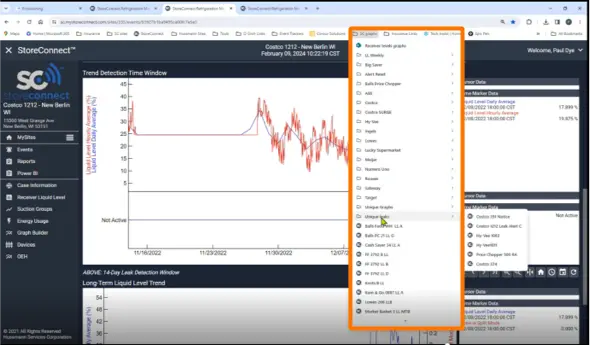
Tested a dedicated settings-based approach for save preferences and bookmark behavior—later folded into the unified modal to reduce context switching.
Solution Architecture
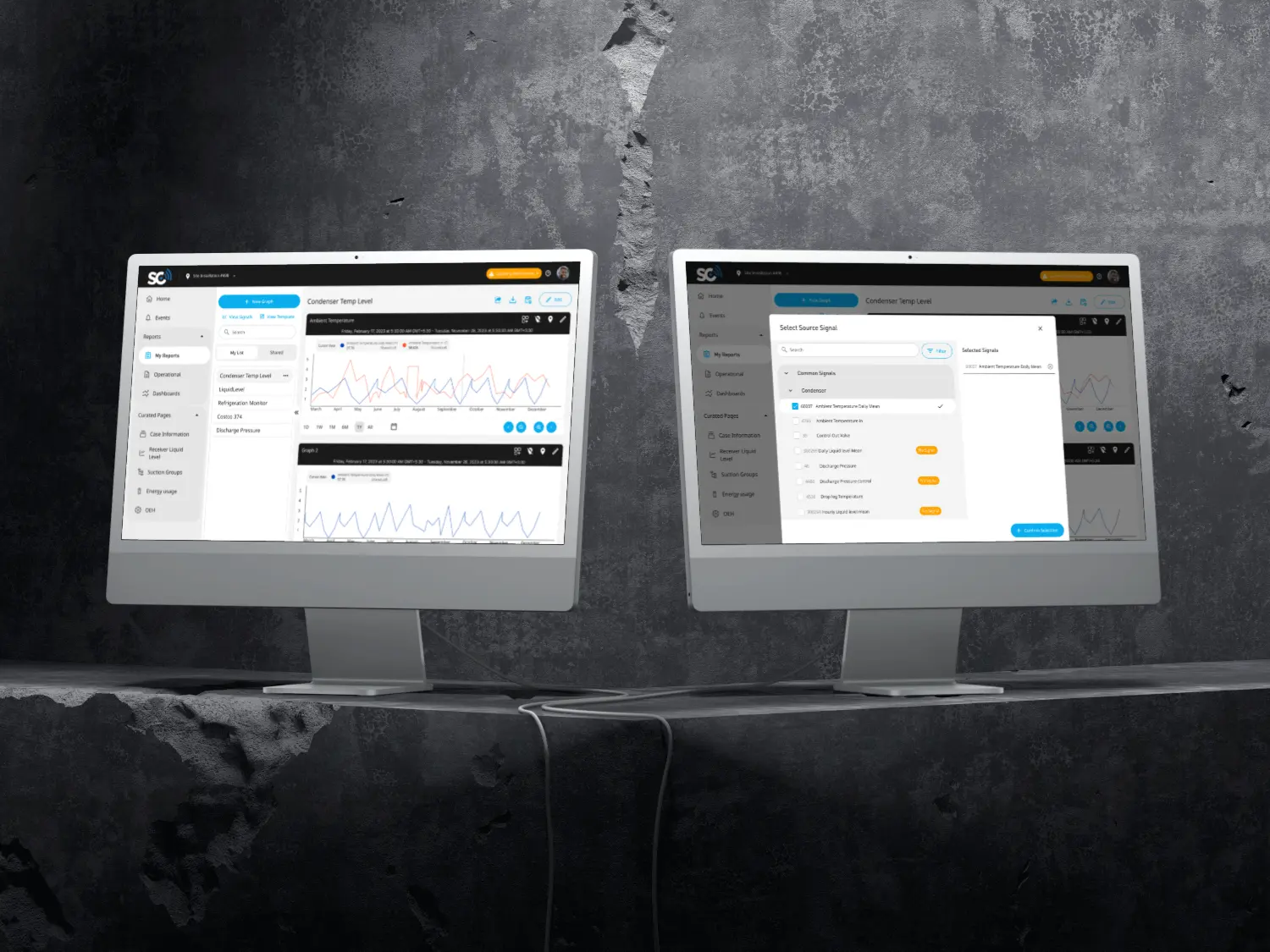
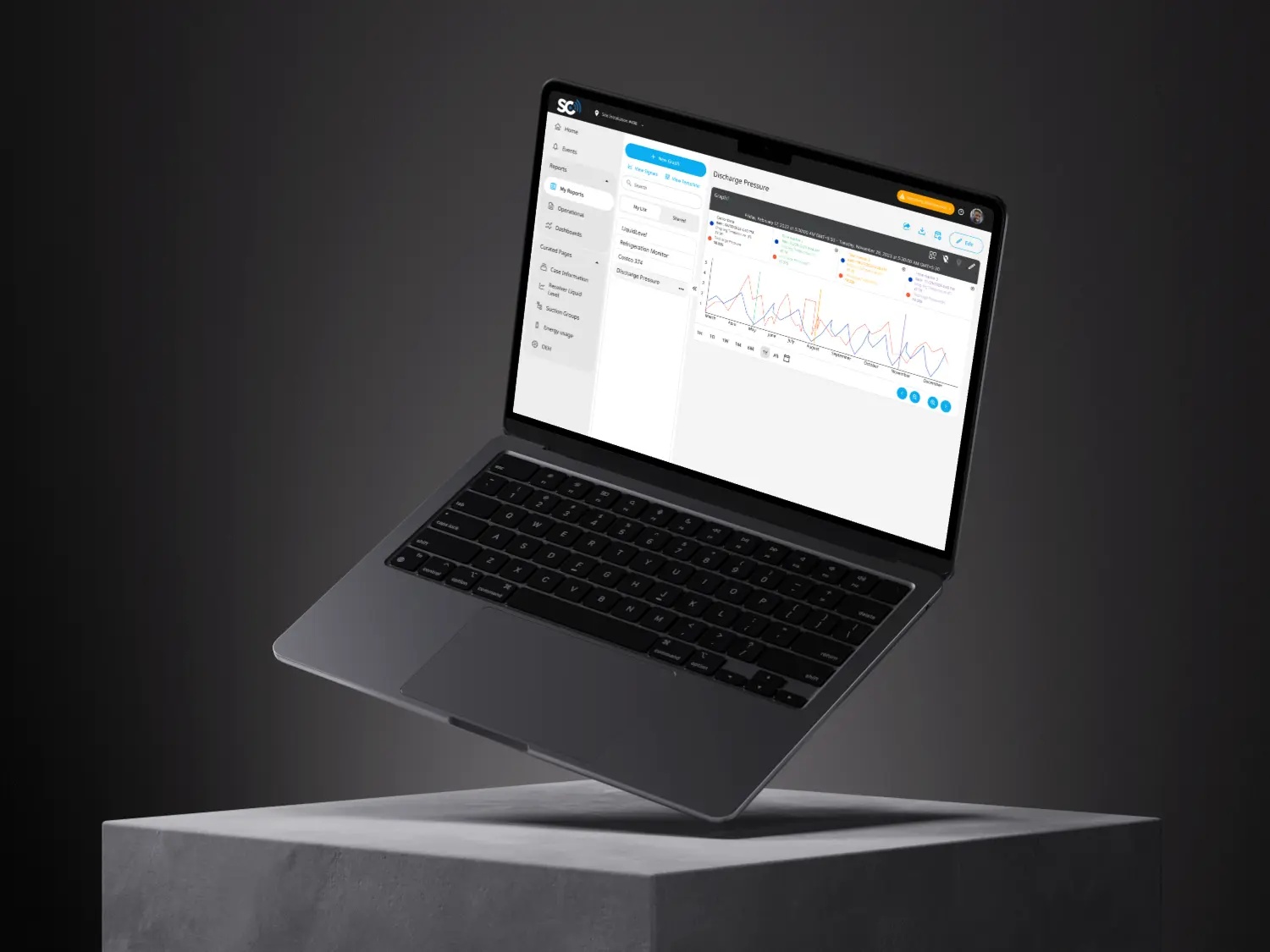
Unified Save & Edit Modal
- Single entry point for rename, edit, update
- Auto-save drafts with visual state indicators
- Explicit publish confirmation
Folder Grouping
- Optional organization layer
- No mandatory hierarchy
- Quick filter and search
Shareable Collections
- Context-aware links with metadata
- Individual and collection sharing
- Preserved analytical context
Usability Testing
Moderated usability sessions with 4 engineers to validate the design direction.
What Worked
- Save/edit modal required zero explanation
- Folder mental model immediately understood
- Auto-save behavior felt natural
What Changed
- Share action repositioned to primary bar
- Added explicit save confirmation feedback
- Improved draft vs published state clarity
Impact
Graph Rebuild Instances Over 6 Weeks
Workflow Efficiency
Reduced average configuration rebuild time from 30 minutes to 2 minutes through persistent save.
Context Preservation
Shareable collections maintained analytical context, eliminating confusion from raw URL sharing.
Adoption Rate
All 5 interview participants immediately adopted the save feature in their daily workflows.
Reflection
Key Learnings
- Workflow tools fail when they treat user work as ephemeral
- Making persistence feel native requires careful state management
- Optional organization beats mandatory hierarchy for diverse users
Future Considerations
- Track long-term reuse of saved graphs
- Measure adoption of collection sharing
- Study behavioral retention over 30+ days
- Explore version history for iterative refinement
This project reinforced that the technical solution was simple — persist state to a database. The design challenge was making persistence feel native rather than bolted on.